
Where to Charge Your Phone in Manhattan: Reliable Options and Backup Plans
A practical hierarchy for charging your phone in Manhattan when navigation, OMNY, and tickets all live on one battery.

What to do right now
Below about 15% battery, stop searching cafés and use a working LinkNYC kiosk with your own cable. Keep a physical contactless card as the transit backup if the phone dies.
Quick checklist
- Bring your own charging cable.
- Lower brightness and save the next address offline.
- Keep a physical contactless card separate from the phone for OMNY.
- If battery drain keeps repeating, buy or carry your own power bank.
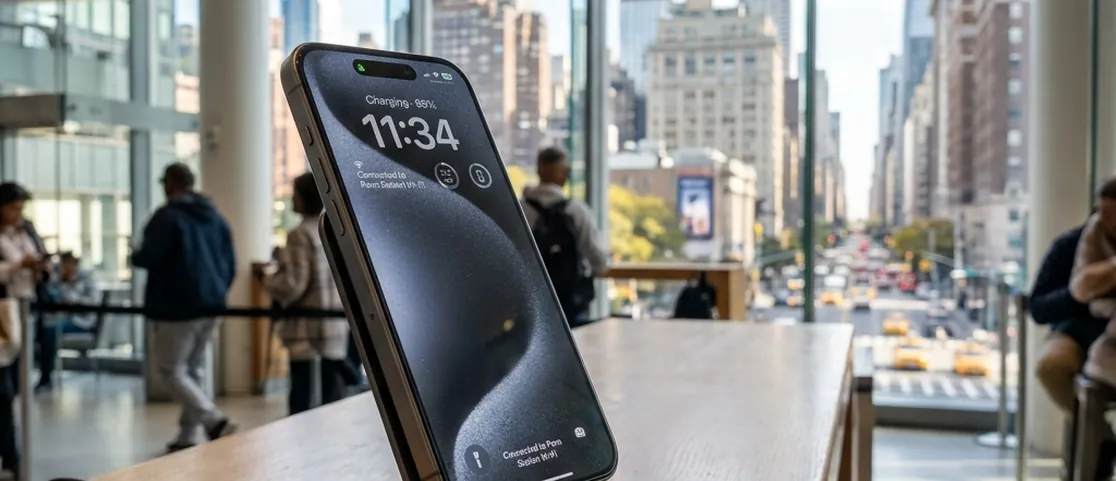
⚡ At a Glance Overview
The low-battery protocol
Protect the functions that keep the day moving before you spend the last battery percentage hunting for the perfect outlet.
Why We Chose This
This guide ranks charging options by reliability and security, not by how many cafés happen to have a visible outlet on Google Maps.
Editorial Notes & Caveats
LinkNYC USB outlets are power-only according to LinkNYC. For other public USB ports, use your own AC adapter or a data blocker. A compatible iPhone Express Mode card may still work on power reserve, but keep a physical contactless card as the safer transit backup.
In Manhattan your phone is not just a camera. It is often your subway pass, your map, your museum ticket, and your restaurant reservation confirmation. When the battery drops into the red zone, the city suddenly feels less navigable.
The mistake most visitors make is wandering into random cafés hoping for an outlet. Many third-wave coffee shops deliberately limit charging, and a seat by the wall is not a plan. You need a short list of dependable anchors and a backup rule for transit.
The quick decision
For a documented free top-up, start with a working LinkNYC kiosk: LinkNYC says every Link has two power-only USB outlets. If you need to sit indoors, the Stavros Niarchos Foundation Library offers public seating and Wi-Fi during posted hours, but do not assume every seat has an outlet. Apple Fifth Avenue is always open, yet Apple does not publish charging as a guaranteed visitor service. Keep a physical contactless card as your transit backup.
The dependable free anchors
When you need an indoor reset as much as power, choose a staffed public place instead of outlet-hunting café by café. The key is to separate a documented charging service from a comfortable place to sit: LinkNYC documents charging; libraries document seating, Wi-Fi, and public services.

The Stavros Niarchos Foundation Library at 455 Fifth Avenue is a strong indoor reset point because NYPL documents extensive seating, Wi-Fi, computers, and regular seven-day hours. NYPL does not promise a power outlet at every seat, so ask staff where charging is permitted if power—not just a place to sit—is essential.
Major transit halls can still be useful places to stop moving, check directions, or buy a cable or power bank, but do not depend on an unverified outlet at a particular seat. If charging is the hard requirement, use a documented service such as LinkNYC or confirm power access on site.
Penn Station and the Fulton Center complex are similar in practice: look for food-hall seating with outlets rather than platform benches, which are often crowded and offer fewer plugs. These are backup anchors when you are mid-commute and cannot detour to Fifth Avenue.
Apple Fifth Avenue: always open, but not a guaranteed charger
Apple retail can be a useful staffed fallback if you need device help, but Apple does not advertise its stores as public charging stations. Do not build the plan around an assumed demo-table cable; ask staff when you arrive.
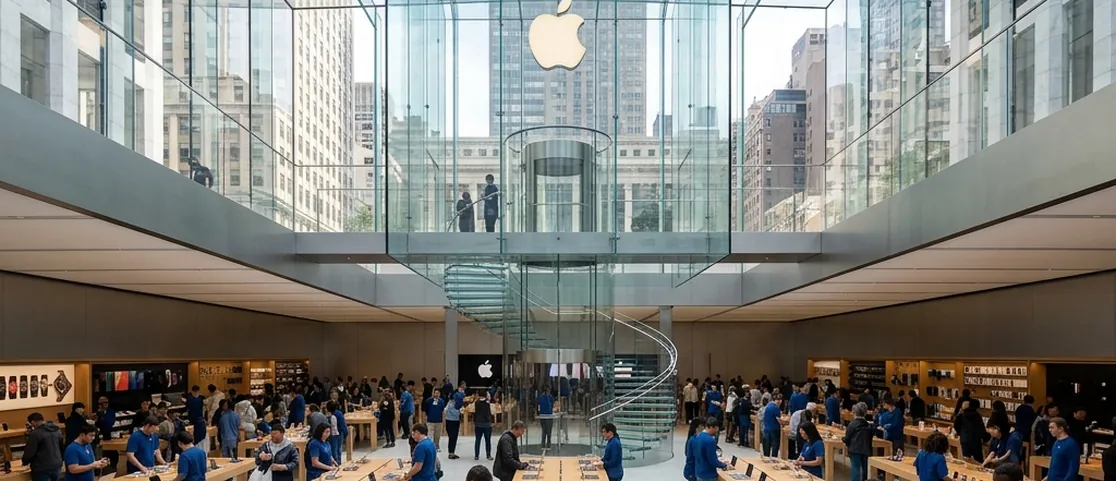
Apple Fifth Avenue at 767 Fifth Avenue is officially listed as “Always Open.” That makes it an unusually useful staffed late-night fallback for device support, but charging access is not a published service guarantee. Treat any help there as staff-dependent, not as the core charging strategy.
Stay at a table, charge, and move on. These are working retail floors, not lounges, and staff should not need to manage your afternoon.
LinkNYC first; power banks when the problem keeps repeating
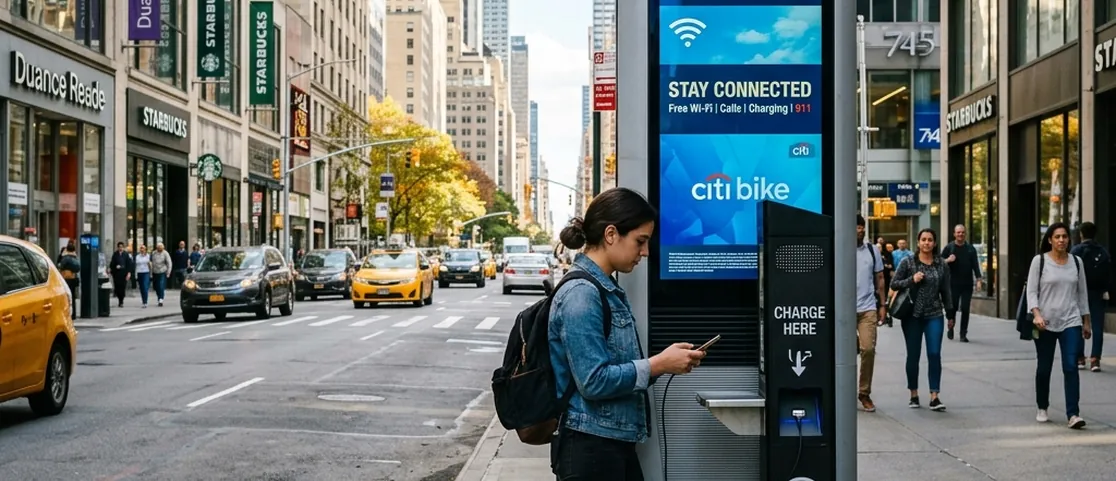
LinkNYC is the clearest free public charging option in this guide. Its official FAQ says every Link has two USB outlets below the headphone jack and that those outlets are power-only, so they cannot exchange data with the kiosk. Bring your own cable and use the Link finder when you need the nearest working kiosk.
Portable power-bank rentals and sales are available from different private operators and shops, but availability, deposits, return rules, and prices vary. If you choose one, check the current total and return conditions before paying rather than relying on a citywide hourly-price assumption.
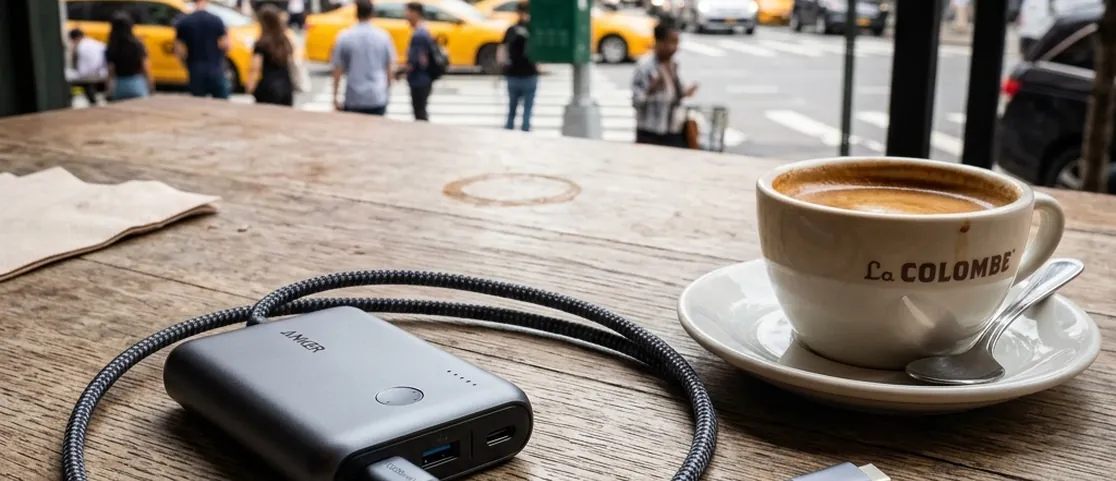
If your battery repeatedly fails before dinner, buying your own compact power bank can be simpler than searching for public charging every day. Choose a capacity and connector that fit your phone, then charge the battery overnight so the backup is actually useful the next afternoon.
A low-battery protocol that actually works
Below 20 percent, reduce screen use and save the next address offline. Below 10 percent, go directly to a verified charging option instead of sampling cafés. If the phone shuts down, a physical contactless payment card is the universal OMNY fallback. Some compatible iPhones can still use Express Mode cards on power reserve, but do not assume every phone or card can.
Safety and the OMNY backup rule
Treat public USB ports differently by source. LinkNYC specifically states its USB outlets are power-only and cannot exchange data. For unknown USB ports elsewhere, use your own AC adapter or a data blocker if you want to avoid a data connection.
The transit risk is relying on one device. Apple documents that compatible Express Mode cards can work on iPhone power reserve for up to several hours after the device needs charging, but this is not universal across every phone or card. Keep one physical contactless credit or debit card separate from the phone so OMNY access does not depend on a feature you have never tested.
Who this guide helps most
This is for visitors who rely on mobile tickets and maps all day, remote workers who drain battery between meetings, and anyone arriving from the airport with a phone already under 30 percent.
It helps less if you already carry a full portable battery every day, or if you are only making one short museum visit and can return to a hotel room between outings.
What to skip
- Skip assuming any café with laptops will let you charge—ask or look for open outlets before you order.
- Skip leaving OMNY as your only subway payment method if you run your battery to zero regularly.
- Skip plugging into unknown USB ports without your own cable or a data blocker.
- Skip paying for coworking solely to charge a phone once; use a documented free LinkNYC top-up or an indoor fallback that you verify on site.
- Skip treating hotel lobby outlets as a sure thing during busy weekend brunch service.
Timing and budget without false precision
LinkNYC charging is free. Library seating and Wi-Fi are free, but power access is seat-dependent. Apple Fifth Avenue is always open but does not advertise public charging as a guaranteed service. Power-bank purchase and rental prices vary, so compare the current total if you need a portable solution.
The final call
Treat charging like any other Manhattan logistics problem: use the service that is actually documented, keep a second payment method for transit, and stop repeating the same emergency every afternoon. LinkNYC is the strongest verified free charging default; an indoor public space or staffed retailer is a fallback, and your own power bank is the durable fix for a battery-heavy trip.
Suggested Route & Mini Plan
1. Below 15% battery, use the nearest working LinkNYC kiosk for a documented free top-up, or move to an indoor staffed place if weather or safety makes street charging impractical.
2. Use your own cable. Conserve power while charging by lowering screen brightness and avoiding continuous navigation or video.
3. Keep a physical contactless payment card in your wallet as the universal OMNY backup, even if your phone supports Express Mode power reserve.
4. If you expect repeated drain, rent a power bank or buy a small battery instead of repeating the search daily.
Curated Alternatives
Buying a 10,000mAh portable battery
If you are in New York for several days and do not want to plan each afternoon around outlet hunting.
Hotel lobby lounges with accessible outlets
If you are already staying at or near a hotel with a public seating area and you need a quieter place to work while charging.
Frequently Asked Questions
Can you charge for free at an Apple Store in Manhattan?
Apple Fifth Avenue is officially open 24/7, but Apple does not publish free device charging as a guaranteed visitor service. If you are nearby, ask staff for help; for a documented free charging service, LinkNYC is the stronger default.
Which public library is best for charging?
The Stavros Niarchos Foundation Library at 455 Fifth Avenue is a dependable indoor place for seating, Wi-Fi, and computer access during posted hours. NYPL does not promise a power outlet at every seat, so ask staff where charging is permitted rather than treating every desk as a charger.
What if your phone dies before you can tap into the subway?
Use a physical contactless payment card as the simplest backup. On compatible iPhones, an Express Mode card may continue to work for up to several hours on power reserve after the phone needs charging, but that is device- and card-dependent and should not be your only plan.
Are LinkNYC sidewalk USB ports safe?
LinkNYC says each Link has two USB outlets connected only to power and unable to exchange data with the kiosk. Use your own cable, and move to another charging method if a port looks damaged or does not work.
Should you count on coffee shop outlets?
Only as a backup. Many Manhattan cafés limit outlet use, require a purchase, or place seats far from working plugs.
Our recommendations are handpicked independently. No paid placement, no sponsored rankings. How we choose